
Dell XPS 9500 9510 9520 Inspiron 16 86wh 6 Cell Battery 69KF2 70N2F M59JH
Dell XPS 9500 9510 9520 Inspiron 16 86wh 6 Cell Battery 69KF2 70N2F M59JH
SKU:70N2F
14 in stock
Couldn't load pickup availability
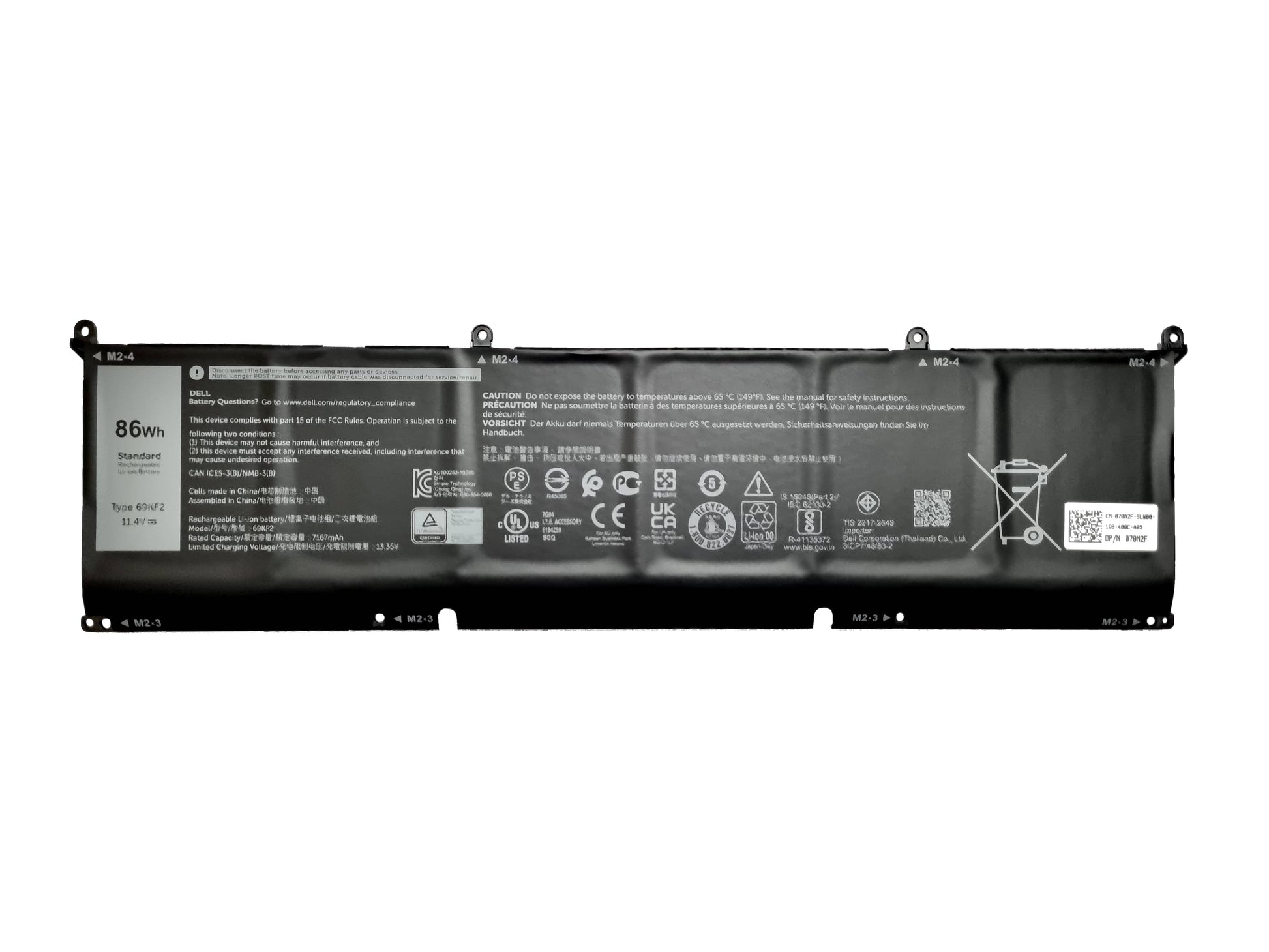
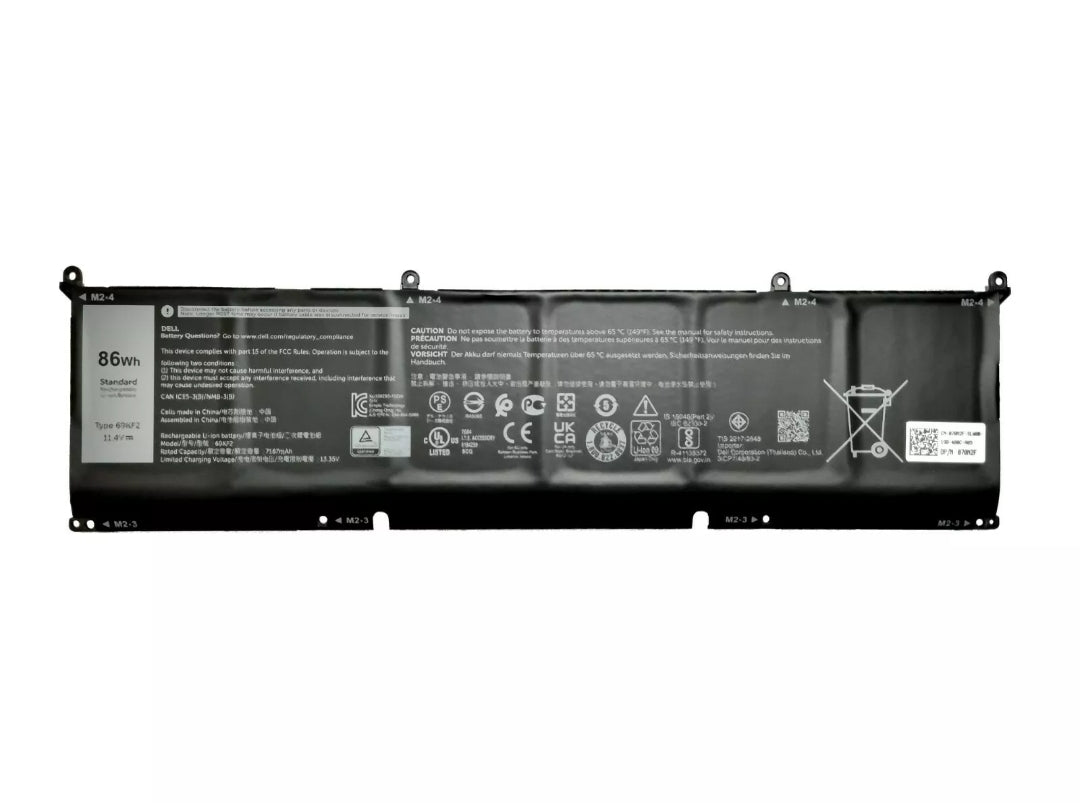
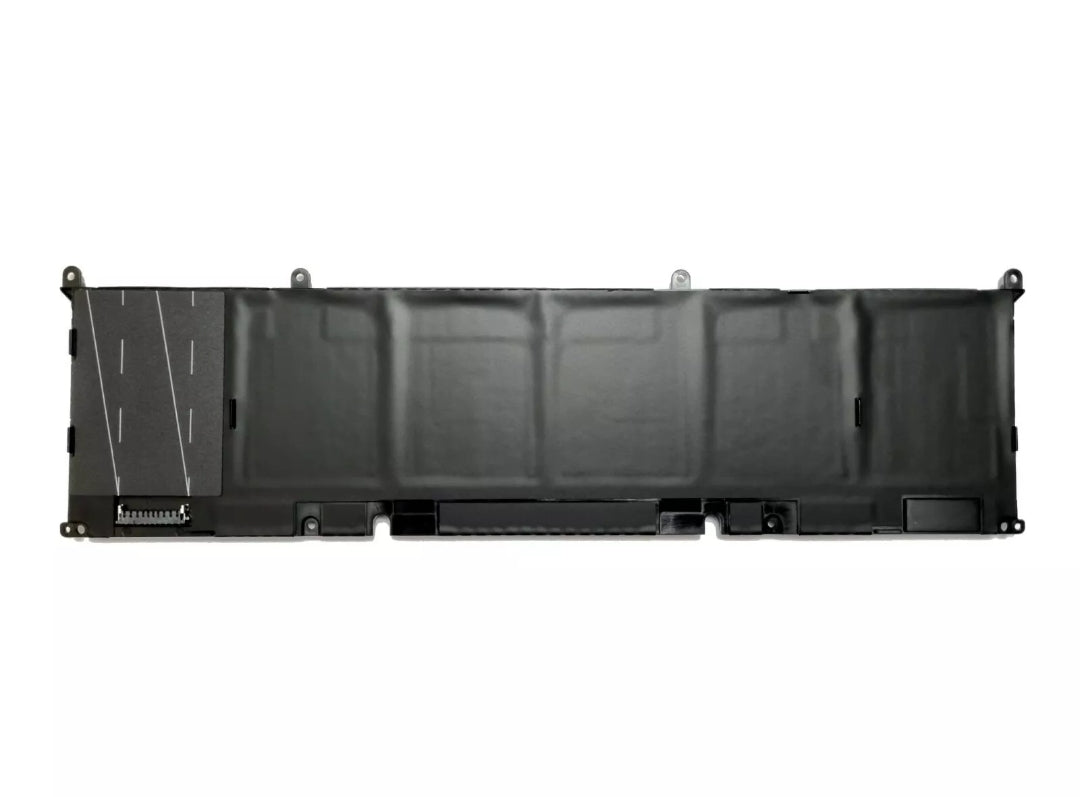
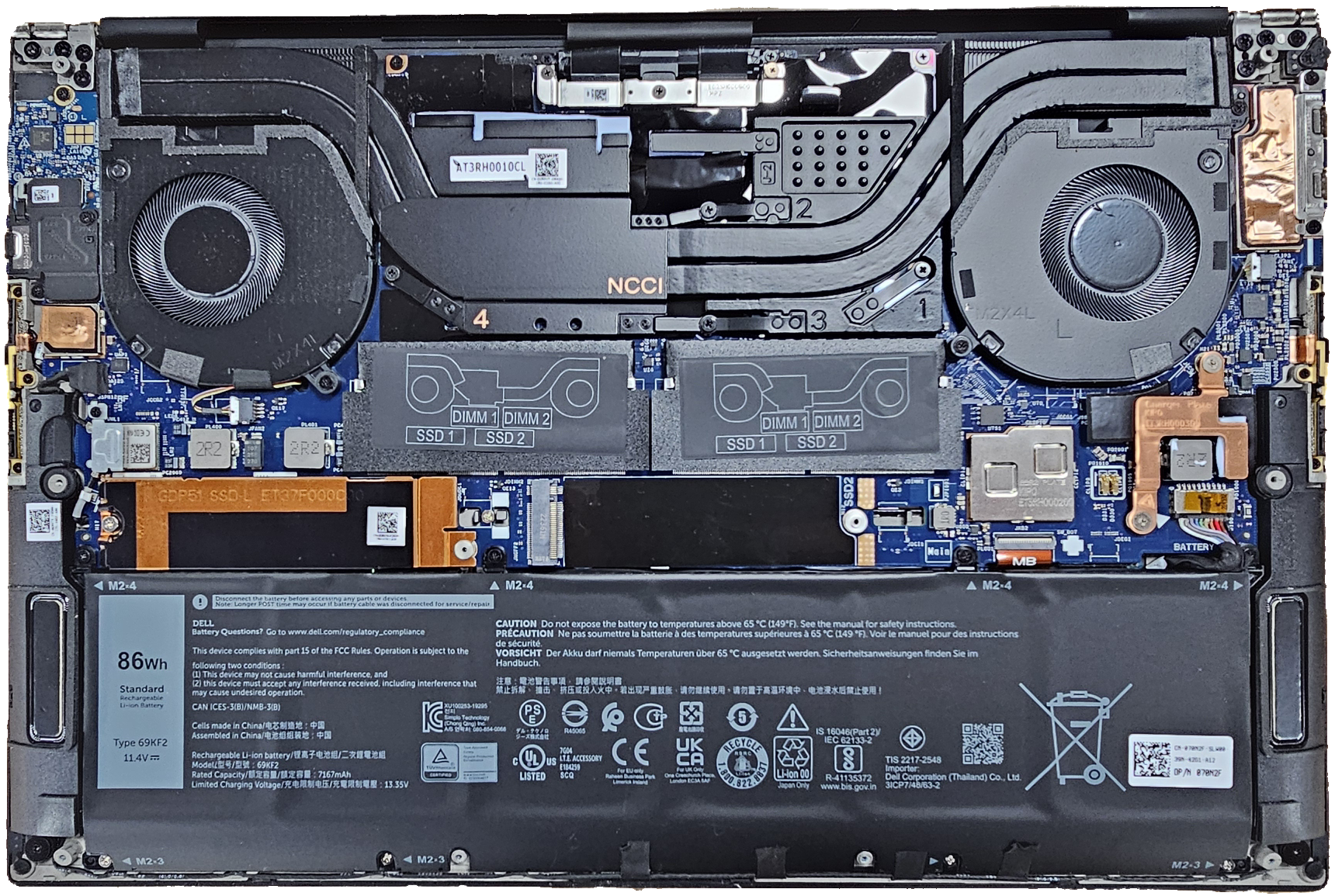
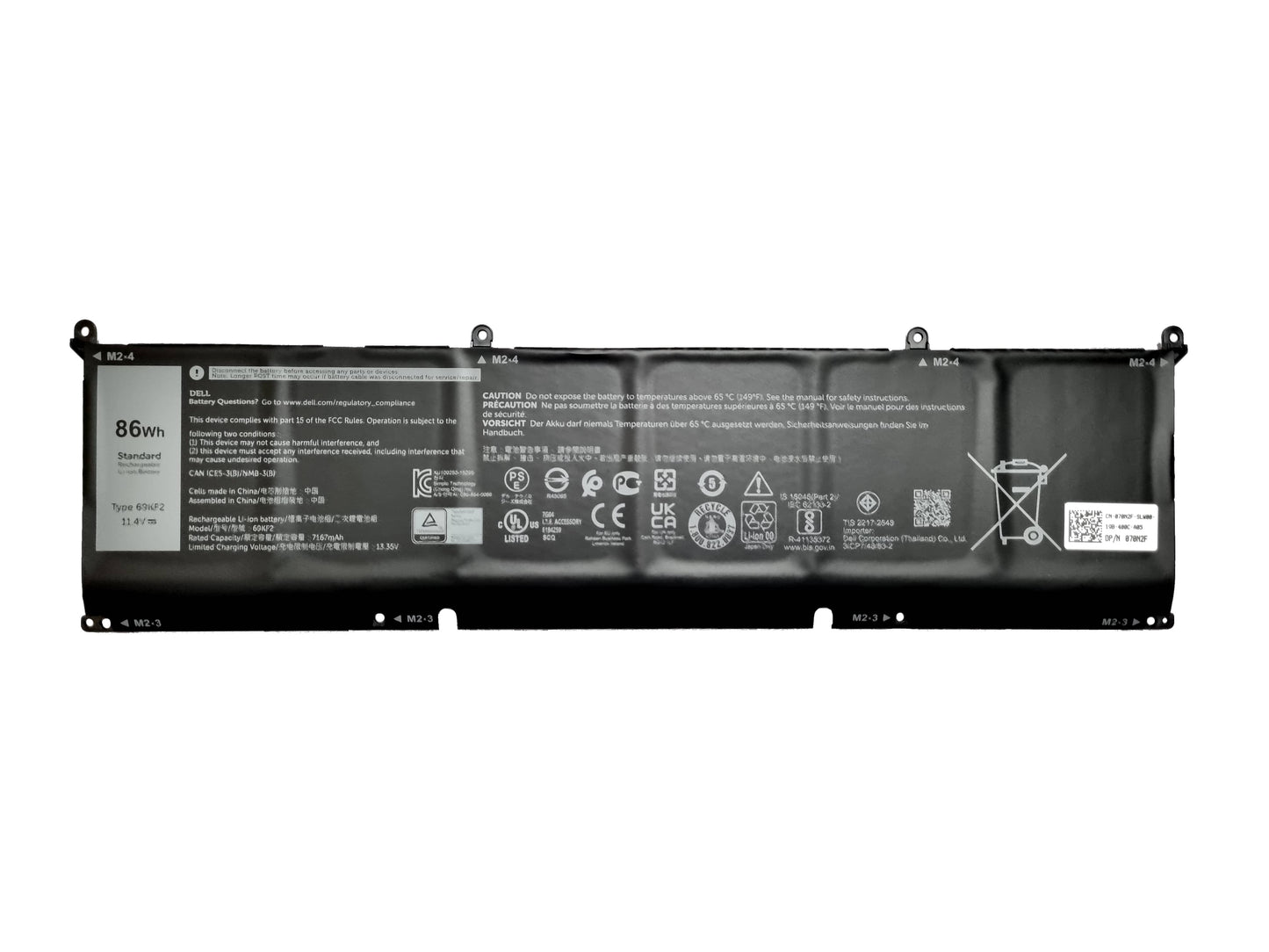
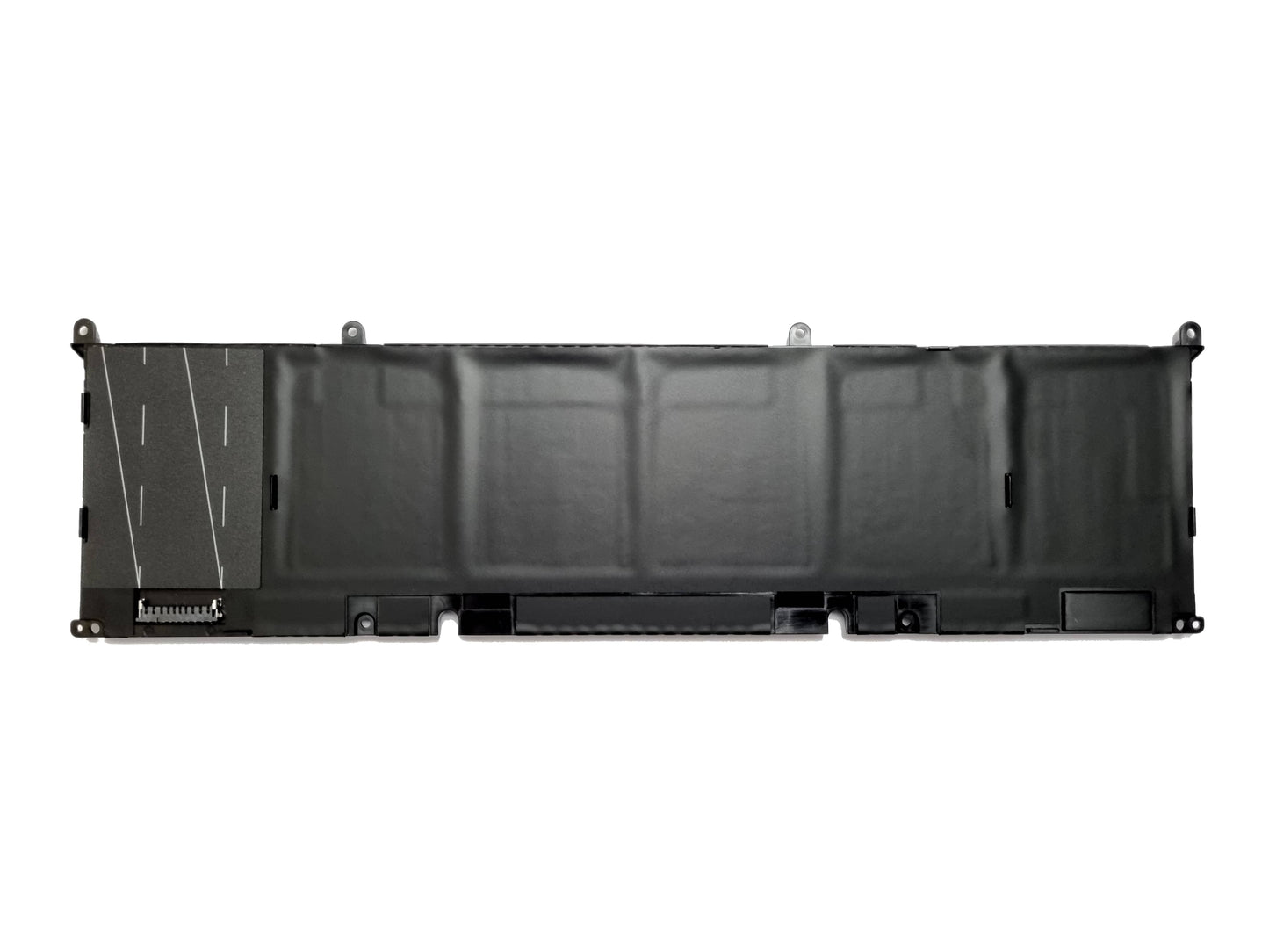
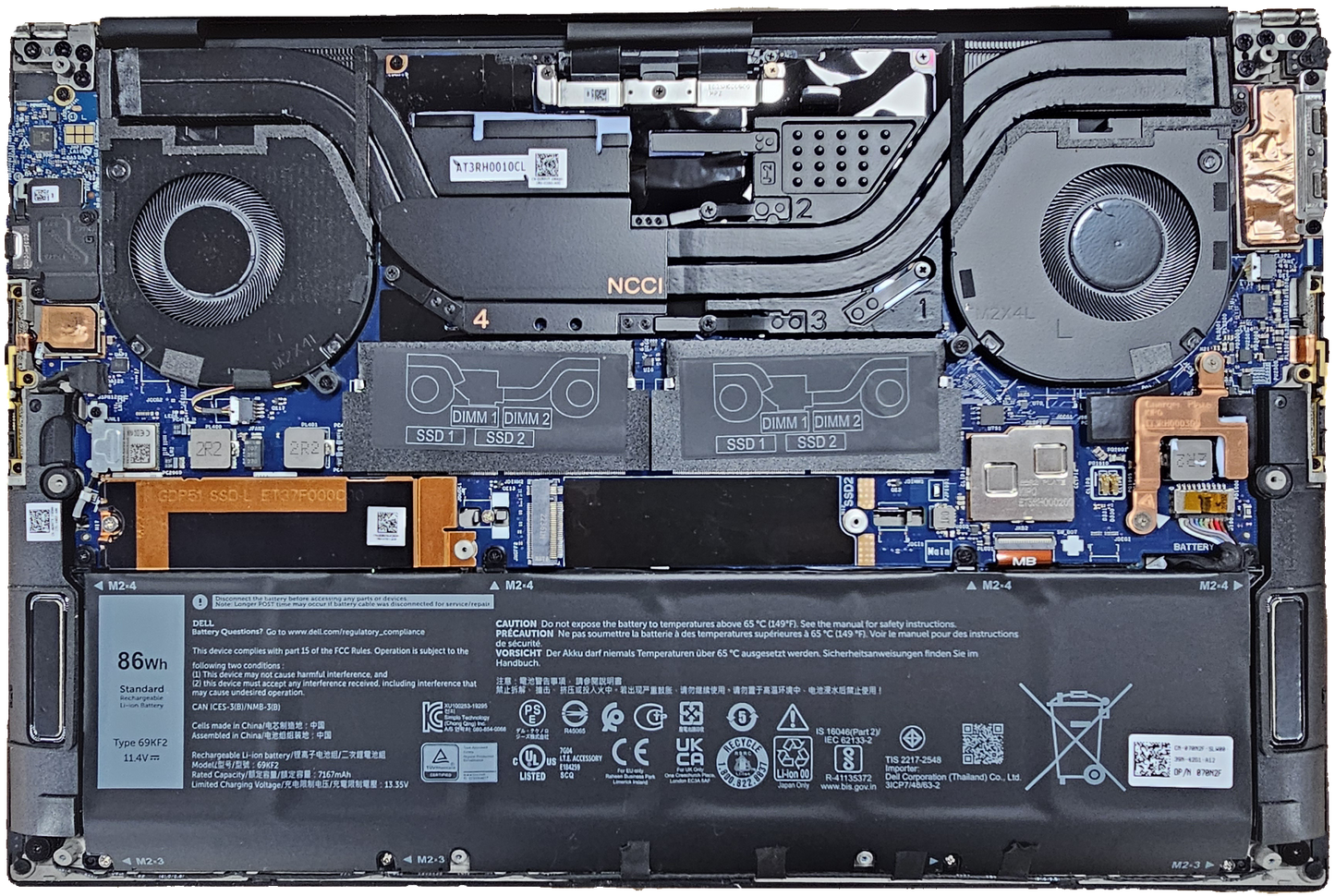
Genuine Dell battery for XPS 9500, 9510, 9520 & (9530 2023 model only) Dell Inspiron 16 Plus 7610. Alienware M15, M17, R3, Precision 5550, 5560, 5570, and models listed below.
Condition: New Dell Stock
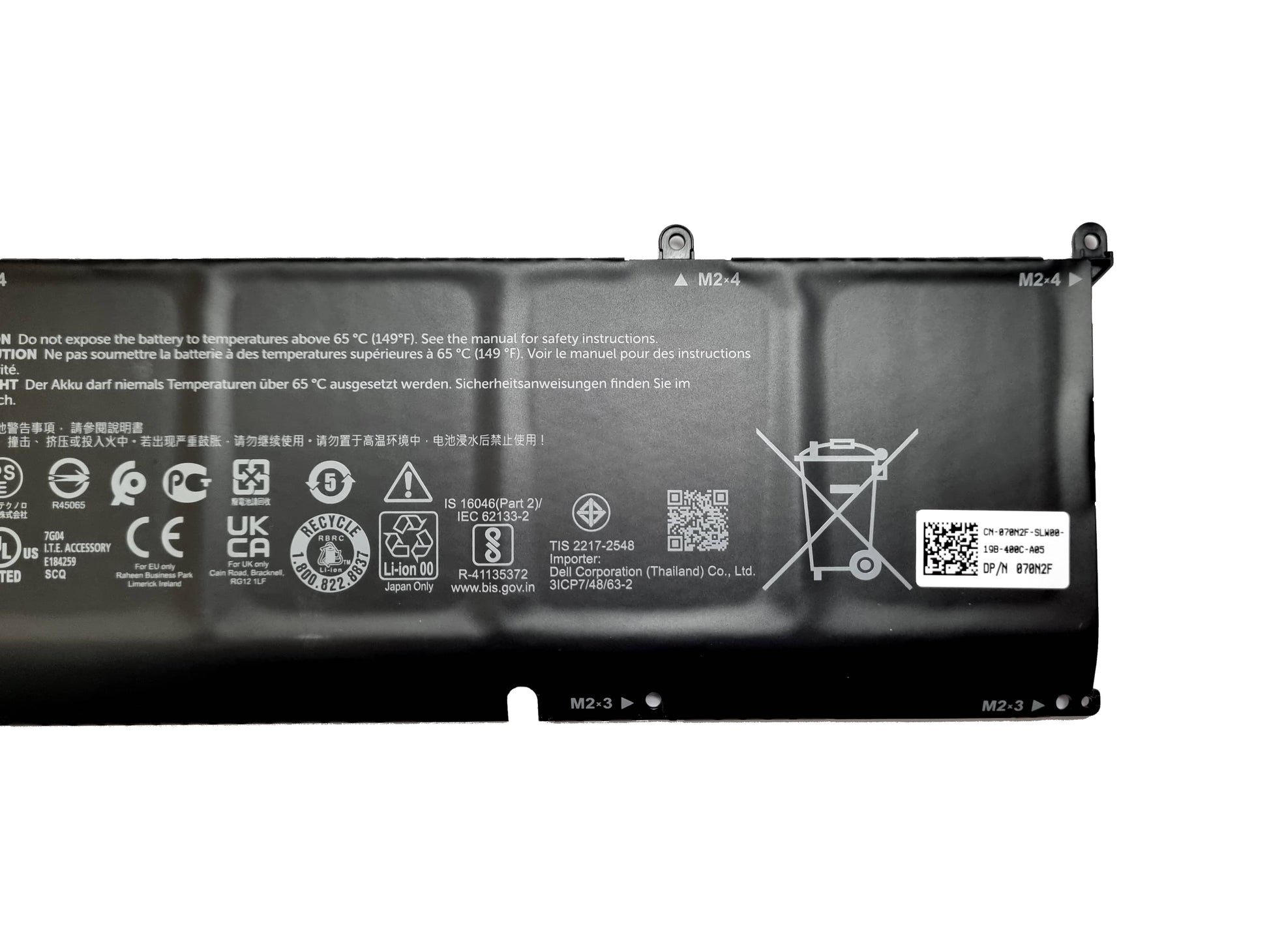
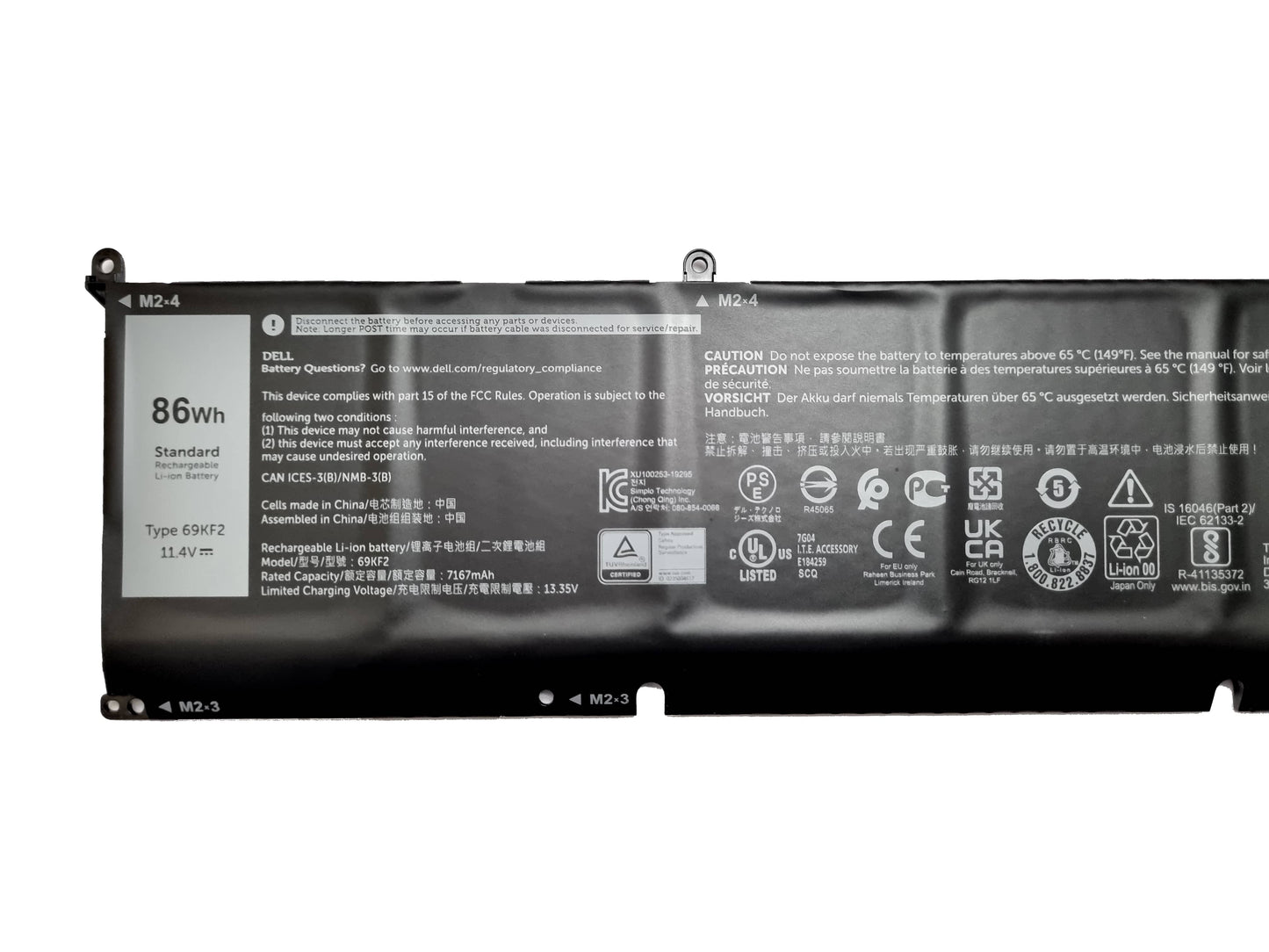
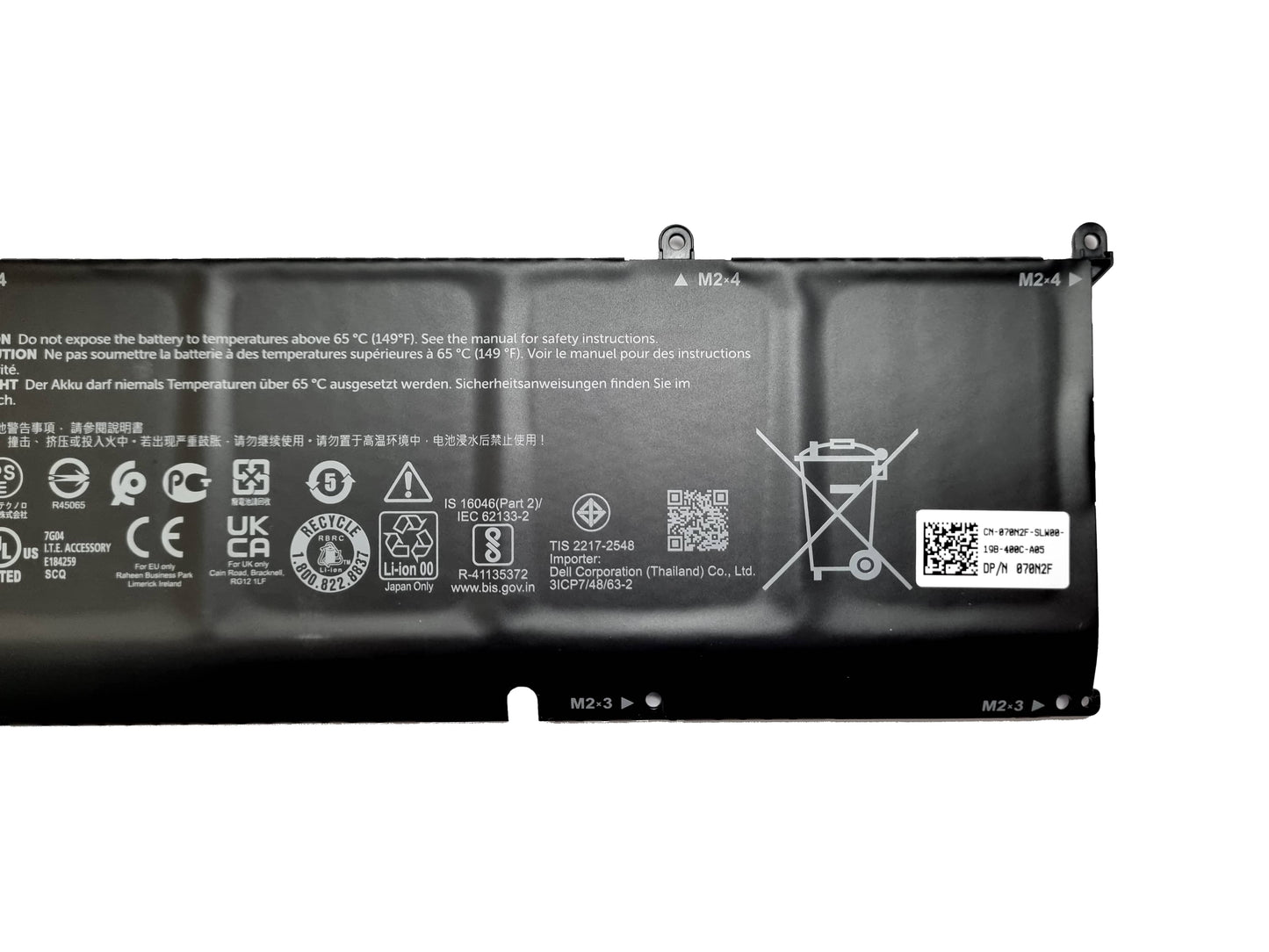
Dell Part Numbers DP/N's: 69KF2, 70N2F, M59JH, 069KF2, 070N2F, 0M59JH
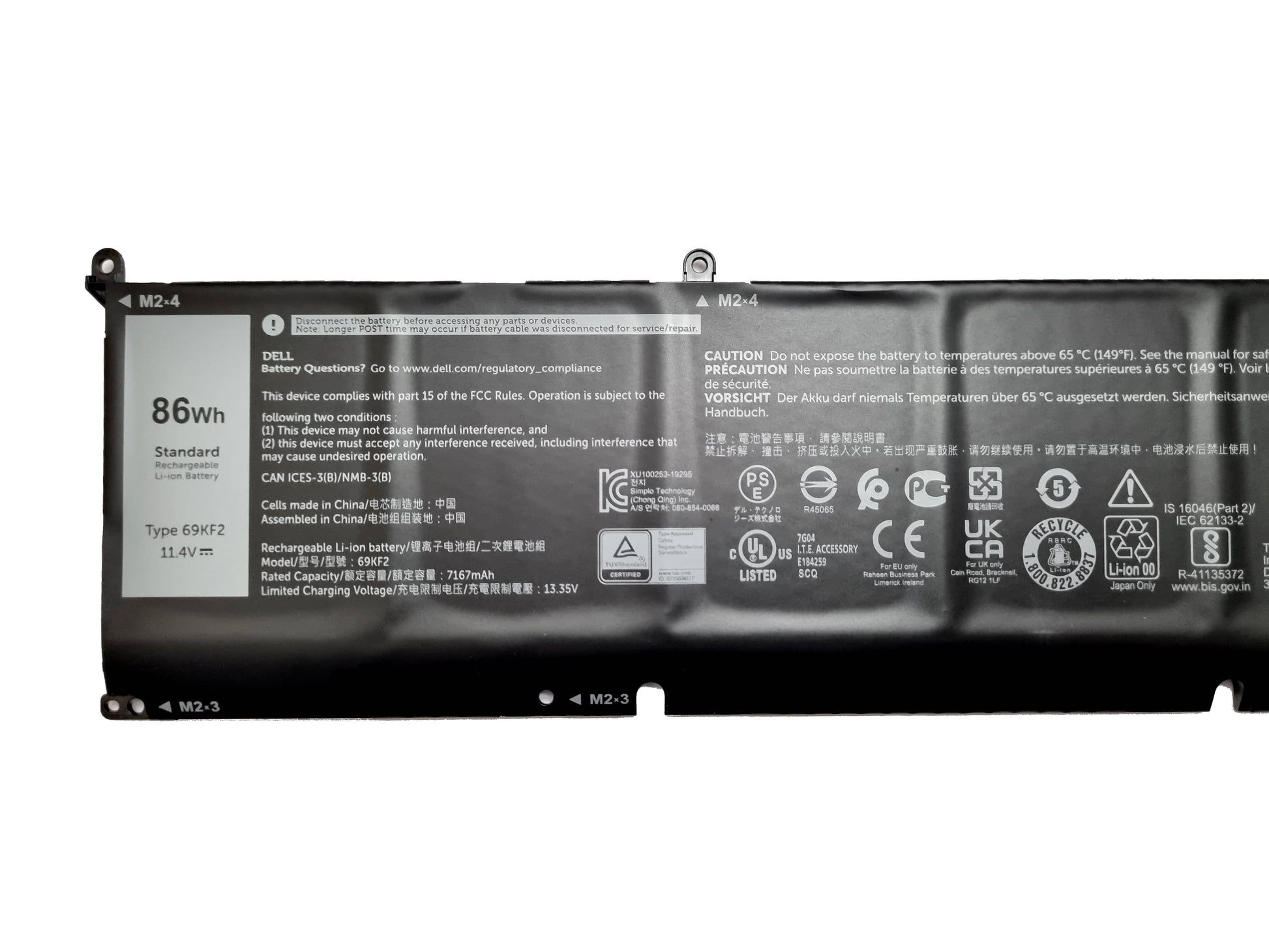
Whr: 86WH
Cells: 6 Cell
Type Code: 69KF2 (Ideally check you old battery for this code or call us if unsure 01243-837777)
Voltage: 11.4v
Fits the following laptops:
Alienware M15 R3
Alienware M15 R4
Alienware M15 R5
Alienware M15 R6
Alienware M15 R7
Alienware m16 R1
Alienware M17 R3
Alienware M17 R4
G5 15 (5510)
G5 15 (5511)
G5 15 (5515)
G5 15 (5520)
G5 15 (5521)
G5 15 (5525)
G5 15 (5530)
G5 15 (5535)
G7 15 (7500)
G7 16 (7630)
G7 16 (7635)
Inspiron 15 7000 (7510)
Inspiron 16 5000 (5620)
Inspiron 16 7000 (7610)
Inspiron 16 7000 (7620)
Inspiron 16 7000 (7630)
Inspiron 16 7000 (7630) 2-in-1
Precision 5550
Precision 5560
Precision 5570
Vostro 15 7000 (7510)
Vostro 16 7000 (7620)
XPS 15 (9500)
XPS 15 (9510)
XPS 15 (9520)
XPS 15 (9530) (launched in 2023)
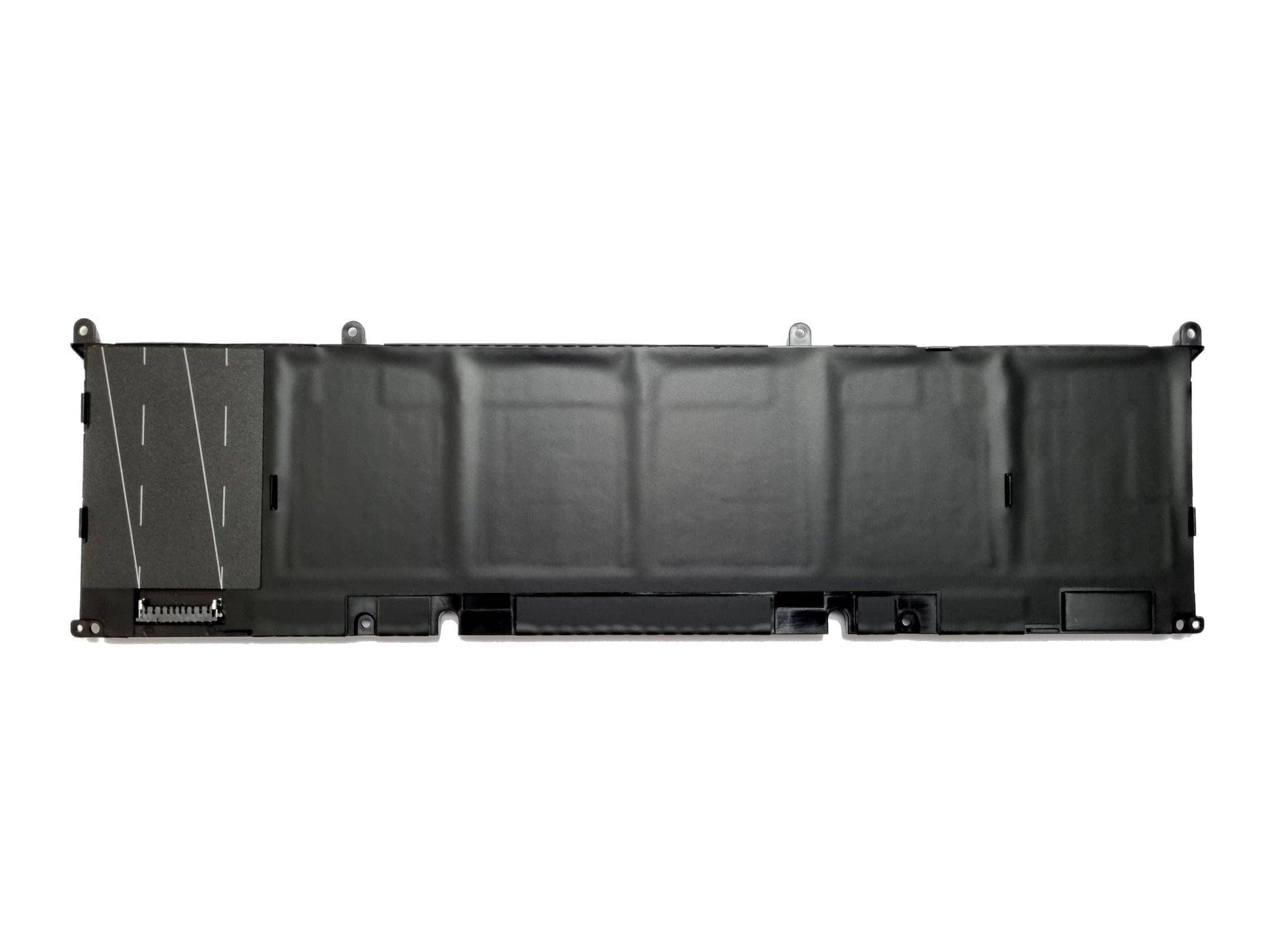
Please note: Screws are not included. Please retain the original screw for the installation of this battery.
UK Seller - Free UK Next-day Shipping - 12 Months Warranty
How to install the battery
PLEASE NOTE: We are not liable for any hardware damages or injury caused during the installation. We also recommend using anti-static equipment to prevent hardware damage.
Removing the old battery
1. Power off the laptop.
2. Turn over the laptop and unscrew the base plate cover.
3. Remove the base plate from the laptop (Use a prying tool to help unclip in necessary)
4. Identify the battery connector and unplug the battery. (Slide the battery connecter away from the motherboard connector)
5. Unscrew the battery and remove the battery from the laptop.
Installing the New battery
1. Align the new battery into position (Do not plug the battery in yet)
2. Install the battery screws
3. Plug the battery cable into the motherboard
4. Replace the base plate by applying light pressure to ensure it's seated correctly.
5. Install the base plate screws
6. Plug the power adapter into the laptop and switch on the laptop.
Our customer feedback
-
Kim M
I purchased a genuine Dell battery and needed it sooner rather than later (it took 2 weeks from Dell direct) so I opted to go to Black Cat. Easy purchase and very fast next day delivery - very impressed, thank you.
-
Steve L
Black Cat couldn't have been more helpful from the moment I placed my order. Great communication with order shipping updates by email. I purchased a new keyboard for my Dell Latitude laptop and it arrived promptly and fitted perfectly. I will use Black Cat again when I need spares. Highly recommended.
-
Adz
I don't usually bother leaving reviews but Black Cat PC were exceptional. Placed my order late at night on a Thursday with the free next day mon-fri delivery option. Dispatched first thing Friday morning and delivered on Saturday. Outstanding.
-
Paul G
I rang as was having difficulty finding the part I needed, it was easy to discuss my problem, the person took full responsibility and eventually the right part was located, which I then ordered online. this arrived on time and fitted perfectly. I would have no hesitation in recommending Black Cat for computer parts
About Us
We are a small independent company in West Sussex that takes pride in providing excellent customer service. We have been trading for 25+ years supplying original Dell laptop batteries, chargers, docks, keyboards, charging ports and many other Dell laptop spare parts. All our products are supplied with 12 months warranty and fast next-day UK shipping on most items. Orders placed before 4 pm will be shipped the same day via DPD, UPS, or Royal Mail. * UK Next day means next working day: - Monday – Friday (Excluding bank holidays) Some items do have extended delivery times due to availability.